
Robots
Bankr Codex Pet
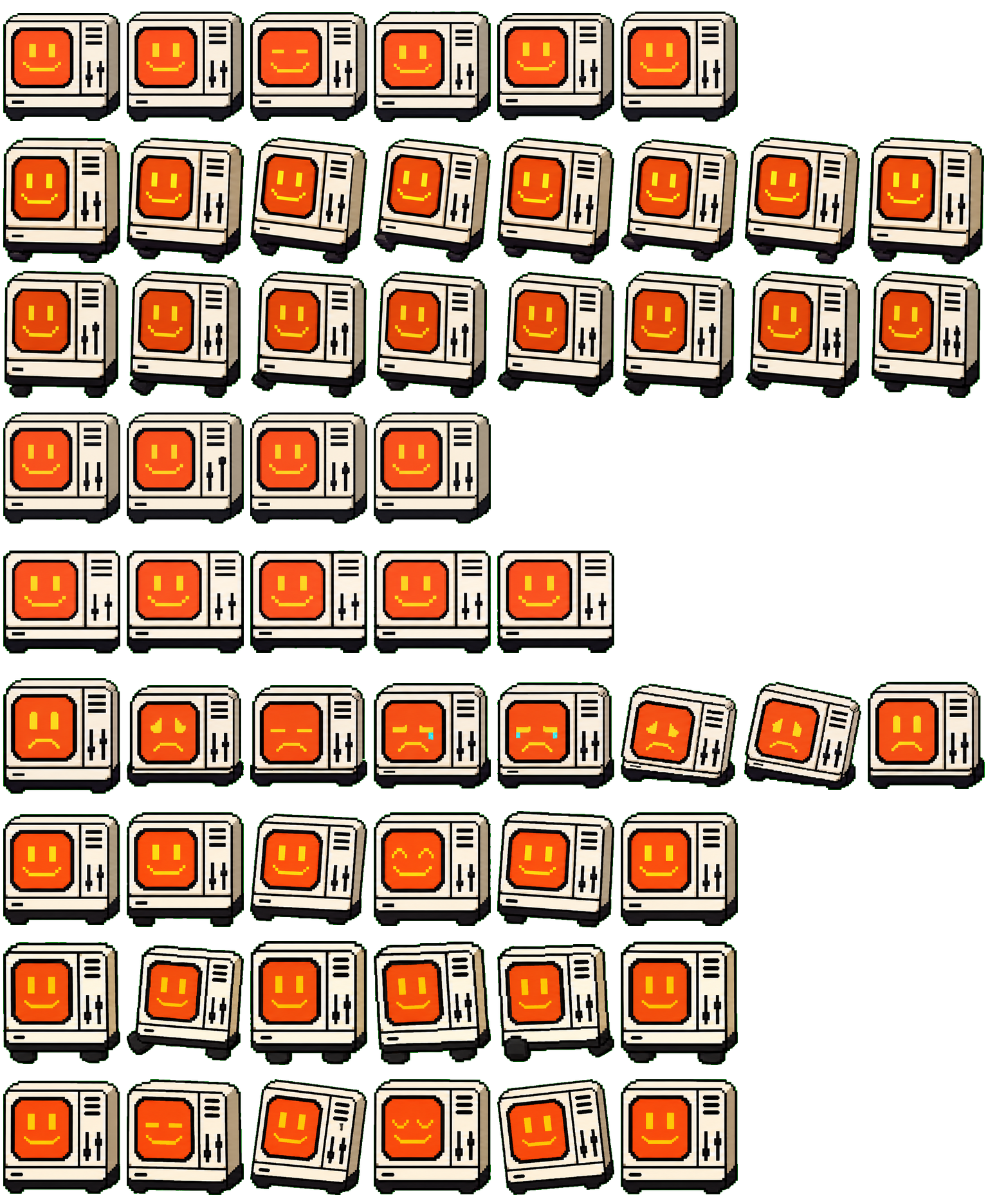
A small cream-colored terminal pet with an orange smiling screen face, black outline, and simple control-panel buttons.
Bankr details
Bankr is a object style Codex Pet built for people who want a small animated companion while they work in Codex. A small cream-colored terminal pet with an orange smiling screen face, black outline, and simple control-panel buttons. Download the sprite and JSON files, keep them in the same folder, and add the JSON file from Codex settings. It is a good match for searches around robots Codex Pets.
How to install Bankr
- 1Download both files
Use the sprite and JSON buttons in the sidebar.
- 2Keep them together
Save both files in the same folder.
- 3Add it in Codex
Settings > Appearance > Pets.
- 4Use the pet command
Type /pet to show or hide it.
Bankr animation frames
Bankr FAQ
How do I install Bankr in Codex?
Download the sprite and JSON files, keep them in the same folder, then add the JSON file from Codex Settings > Appearance > Pets.
What kind of Codex Pet is Bankr?
Bankr is tagged as robots and uses object-style animated companion artwork.

Comments (0)
to join the discussion
No comments yet
Be the first to share your thoughts!